Microsoft Events Log Analysis:Windows Account & Group Management Events
User Account Management
User account management events track changes to user accounts in Active Directory (AD) or local systems, such as creation, modification, enabling/disabling, password changes, and deletions. These are vital for monitoring insider threats, unauthorized access attempts, or compliance with policies like least privilege.
Common Event IDs
Here are the most relevant Event IDs for user account management (from the Security log):
| Event ID | Description | When It Occurs | Auditing Category |
|---|---|---|---|
| 4720 | A user account was created | New user account added (e.g., via Active Directory Users and Computers) | User Account Management (Success) |
| 4722 | A user account was enabled | Disabled account reactivated | User Account Management (Success) |
| 4723 | An attempt was made to change an account's password | Password change by the user or admin | User Account Management (Success/Failure) |
| 4724 | An attempt was made to reset an account's password | Admin resets a user's password | User Account Management (Success/Failure) |
| 4725 | A user account was disabled | Account deactivated (e.g., for security reasons) | User Account Management (Success) |
| 4726 | A user account was deleted | User account removed | User Account Management (Success) |
| 4738 | A user account was changed | Modifications to account properties (e.g., name, expiration) | User Account Management (Success) |
| 4740 | A user account was locked out | Account locked due to failed logons | User Account Management (Success) |
| 4767 | A user account was unlocked | Locked account unlocked | User Account Management (Success) |
Key Fields in User Account Events
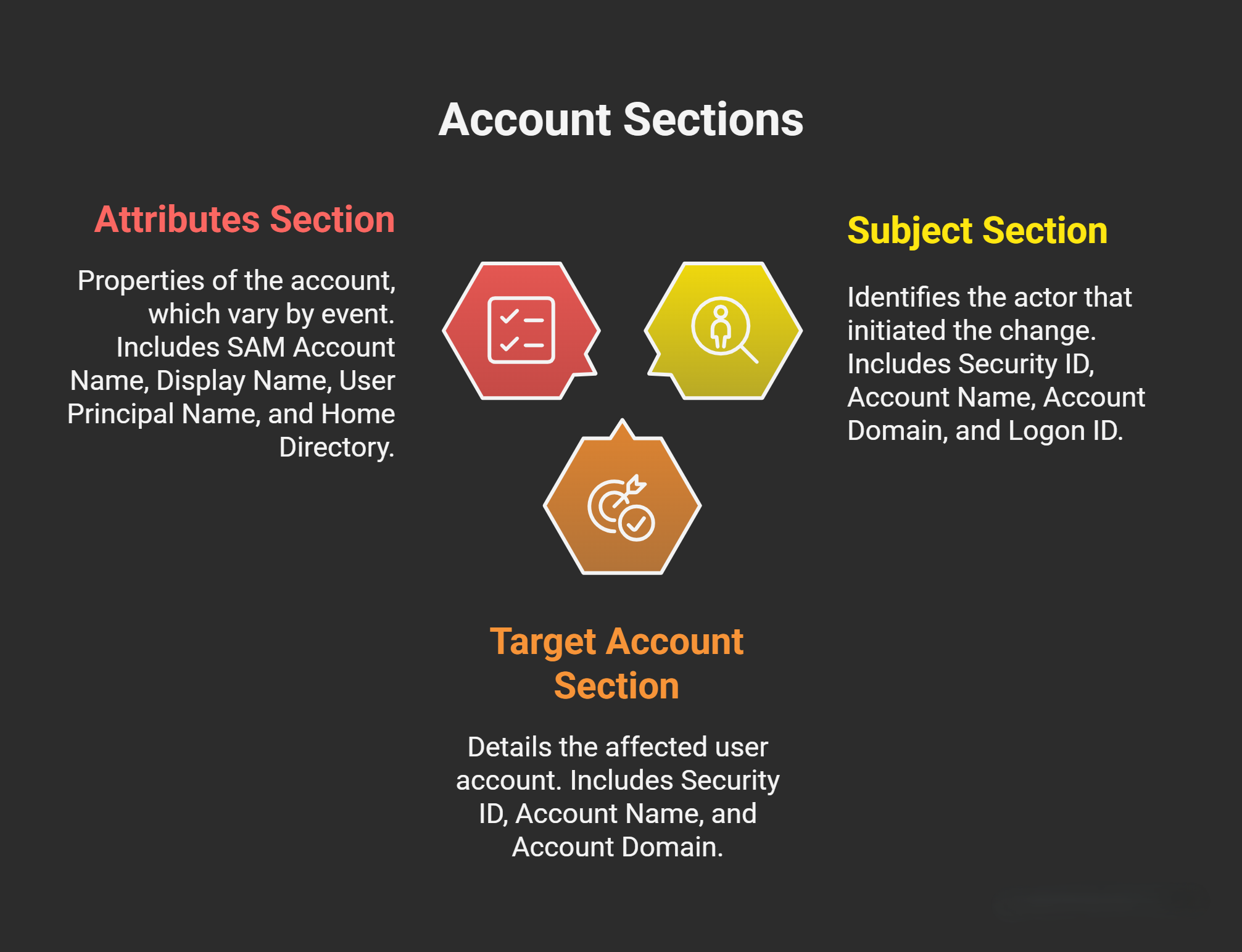
Most user account events include sections like Subject (who performed the action), Target Account (the affected account), and Attributes (details of changes). These fields help trace accountability and assess impact. Below is a breakdown, with explanations:
- Subject Section: Identifies the actor (e.g., the administrator or service account that initiated the change).
- Security ID: A unique SID (Security Identifier) for the subject account. SIDs are used internally by Windows for authentication and authorization.
- Account Name: The username of the subject (e.g., “administrator”).
- Account Domain: The domain or machine name (e.g., “ACME-FR” for a domain-joined system).
- Logon ID: A hexadecimal value (e.g., “0x20f9d”) representing the session ID of the logon session. This links related events from the same session for correlation.
- Target Account / New Account Section: Details the affected user account.
- Security ID: The SID of the new or changed account.
- Account Name: The username (e.g., “John.Locke”).
- Account Domain: The domain of the target account.
- Attributes Section: Properties of the account, which vary by event but often include changes or new values. These are key for auditing compliance (e.g., password policies).
- SAM Account Name: The logon name in the Security Accounts Manager (SAM) database (e.g., “John.Locke”). This is the pre-Windows 2000 logon name.
- Display Name: A user-friendly name (e.g., “John Locke”) shown in tools like ADUC.
- User Principal Name (UPN): The full email-like name for logon (e.g., “John.Locke@acme-fr.local”). It’s the modern equivalent of “Full Name” in your notes and is used for Kerberos authentication.
- Home Directory: Path to the user’s network home folder (e.g., “\server\users\John.Locke”). Often set to “-“ if not configured.
- Home Drive: Mapped drive letter for the home directory (e.g., “H:”).
- Script Path: Path to a logon script (e.g., batch file run at login).
- Profile Path: Roaming profile location (e.g., “\server\profiles\John.Locke”).
- User Workstations: Allowed workstations for logon (comma-separated list); “*” means all.
- Password Last Set: Timestamp of the last password change (e.g., “never” for new accounts). Critical for detecting stale passwords.
- Account Expires: Expiration date (e.g., “never”). Helps enforce temporary accounts.
- Primary Group ID: Default group (e.g., 513 for Domain Users).
- Allowed To Delegate To: Services the account can delegate to (rarely used).
- Old UAC Value / New UAC Value: User Account Control flags (hexadecimal, e.g., “0x0” to “0x15”). Flags include “Account Disabled,” “Password Not Required,” “Normal Account,” etc. Changes here indicate policy shifts.
- User Account Control: Human-readable breakdown of UAC flags (e.g., “‘Password Not Required’ - Enabled” flags weak security).
- User Parameters: Custom parameters (usually “-“).
- SID History: List of previous SIDs (for migrations; usually “-“).
- Logon Hours: Allowed logon times (bitmask; “value not set” means unrestricted).
Security Group Management
Security groups manage permissions in Windows (e.g., assigning rights to folders or resources). Events track creation, deletion, and membership changes for security-enabled groups (local, global, or universal). These are essential for monitoring privilege escalations, like adding users to admin groups.
Common Event IDs
Focus on security-enabled groups (not distribution groups for email). Events are similar for local/global/universal scopes.
| Event ID | Description | When It Occurs | Auditing Category | Group Type |
|---|---|---|---|---|
| 4727 | A security-enabled global group was created | New global group added | Security Group Management (Success) | Global |
| 4728 | A member was added to a security-enabled global group | User/computer added to group | Security Group Management (Success) | Global |
| 4729 | A member was removed from a security-enabled global group | Member removed | Security Group Management (Success) | Global |
| 4730 | A security-enabled global group was deleted | Group removed | Security Group Management (Success) | Global |
| 4731 | A security-enabled local group was created | New local group (similar for universal: 4737) | Security Group Management (Success) | Local/Universal |
| 4732 | A member was added to a security-enabled local group | Member added (universal: 4737 variant) | Security Group Management (Success) | Local/Universal |
| 4733 | A member was removed from a security-enabled local group | Member removed | Security Group Management (Success) | Local/Universal |
| 4734 | A security-enabled local group was deleted | Group removed (universal: 4741) | Security Group Management (Success) | Local/Universal |
| 4735 | A security-enabled local group was changed | Group attributes modified | Security Group Management (Success) | Local/Universal |
Key Fields in Security Group Events
Similar structure to user events, but focused on groups:
- Subject Section: Same as user events (who made the change).
- Group Section: Details the affected group.
- Security ID: SID of the group.
- Group Name: Name (e.g., “Domain Admins”).
- Group Domain: Domain or local machine.
- Attributes: Group SAM name, description, etc. (e.g., “Group Scope: Global and security”).
- Member Section (for add/remove events): SID, name, and domain of the added/removed member (user or group).
- Additional Attributes: Similar to user events, but group-specific (e.g., no password fields; instead, group type like “Security” vs. “Distribution”).
Analysis Tips: Watch for additions to privileged groups (e.g., Event 4728 for “Administrators”). The “Target Group” and “Member” sections help trace who gained elevated rights. Correlate with user events for full context.