Microsoft Events Log Analysis:Object, Scheduled tasks and Process
Microsoft Event Log Analysis: Key Auditing Categories
1. Object Access Auditing
Object Access events track when a user or process attempts to access securable objects on the system, such as files, folders, registry keys, the SAM (Security Accounts Manager) database, services, or other kernel objects. This is crucial for detecting unauthorized access, data exfiltration, or privilege escalation attempts. Auditing must be explicitly enabled via System Audit Policies (e.g., “Audit Object Access” for successes and failures), and System Access Control Lists (SACLs) must be configured on the specific objects (e.g., right-click a file > Properties > Security > Advanced > Auditing). These events help reconstruct user actions during a session, like who accessed what and with what permissions. Key Event IDs include:
- 4663: An attempt was made to access an object (e.g., file read/write).
- 4656: A handle to an object was requested (initial access attempt).
- 4658: A handle to an object was closed.
- 4670: Permissions on an object were changed (e.g., ACL modifications).
Important Fields
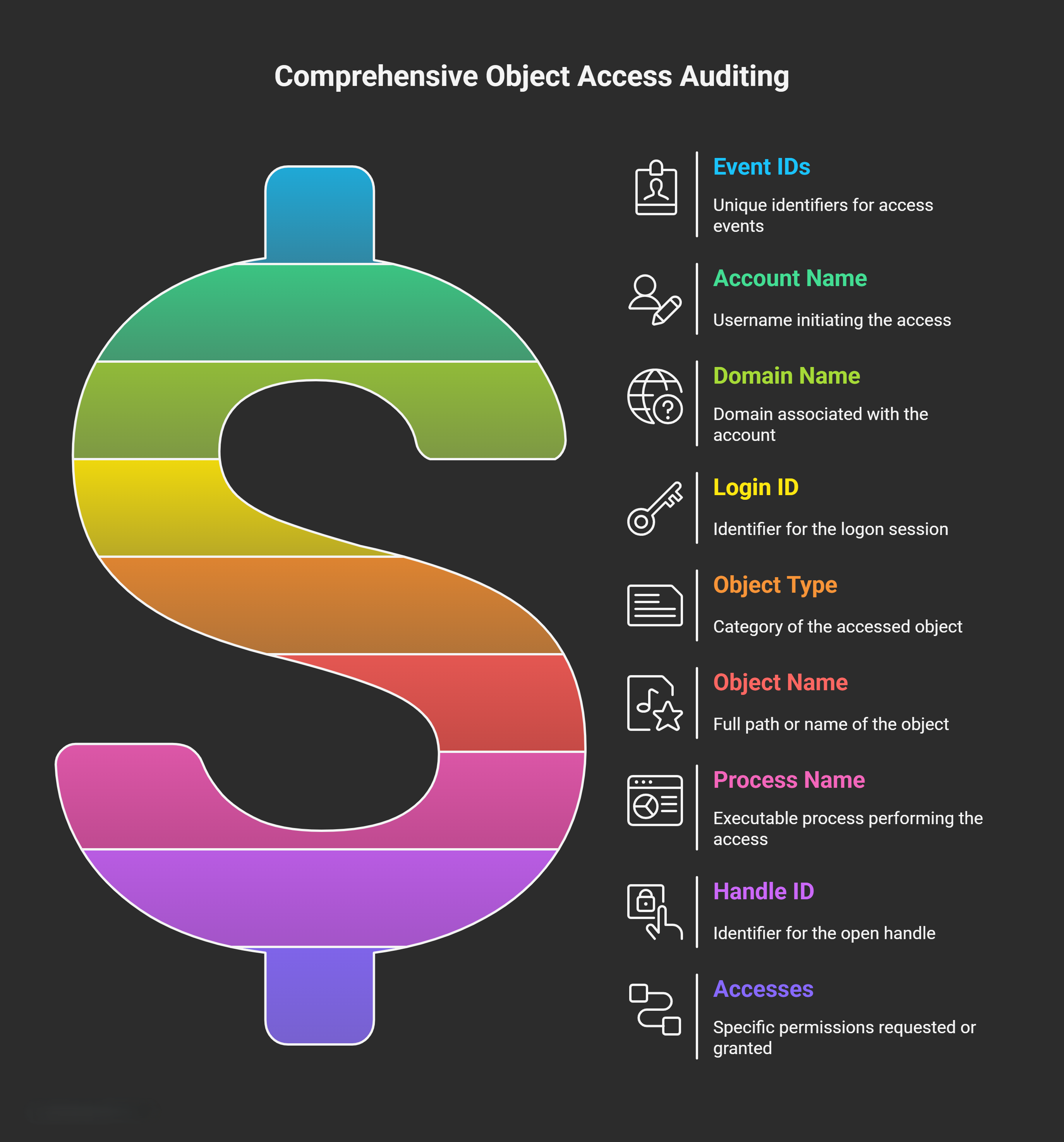
- Account Name (or SubjectUserName): The username of the account that initiated the access attempt. This identifies the logged-in user responsible for the action.
- Domain Name (or SubjectDomainName): The domain (e.g., local machine name or Active Directory domain) associated with the account.
- Login ID (or SubjectLogonId): A unique hexadecimal identifier for the logon session. This allows you to correlate activities across multiple events during the same user session (e.g., linking file accesses to logon Event ID 4624).
- Object Type: The category of the accessed object, such as “File”, “Directory” (folder), “Key” (registry key), “SAM” (Security Accounts Manager file), “Service”, or “Window Object”.
- Object Name (or ObjectName): The full path or name of the object accessed. For example, if user “kim” accesses a PDF file named “my_cv.pdf” in C:\Documents, the Object Name might be “C:\Documents\my_cv.pdf”. This field is essential for pinpointing exactly what was targeted.
- Process Name (or ProcessName): The executable process that performed the access, including its full path. For example, accessing a Word document might show “C:\Program Files\Microsoft Office\root\Office16\WINWORD.EXE” (winword.exe). This helps identify the application involved.
- Handle ID (or HandleId): A unique identifier (hexadecimal) for the open handle to the object during the session. It tracks the “grip” on the resource and can be correlated with handle closure events (e.g., Event ID 4658).
- Accesses (or AccessList/AccessMask): The specific permissions requested or granted, such as “ReadData”, “WriteData”, “Execute”, “Delete”, or “FullControl”. This determines what the user could do (e.g., read vs. modify). Failures might indicate denied access due to insufficient privileges.
Tips for Analysis: Filter by Login ID to trace a user’s full session. Enable “Audit Handle Manipulation” for more detailed handle tracking. Without SACLs on objects, events won’t generate even if the policy is enabled.
2. Scheduled Tasks Auditing
Scheduled Tasks refer to automated, recurring jobs configured via the Task Scheduler (taskschd.msc) that run at specific times, intervals, or triggers (e.g., system startup, user logon). These can be legitimate (e.g., backups) but are often abused by malware for persistence (e.g., running payloads periodically). Auditing tracks creation, modification, enabling/disabling, and deletion of tasks, helping detect unauthorized automation. Events are primarily in the Security log for security-relevant actions, but operational details (e.g., task execution) are in the Microsoft-Windows-TaskScheduler/Operational log. Key Event IDs include:
- 4698: A scheduled task was created.
- 4702: A scheduled task was updated.
- 4700: A scheduled task was enabled.
- 4701: A scheduled task was disabled.
- 4699: A scheduled task was deleted.
Important Fields
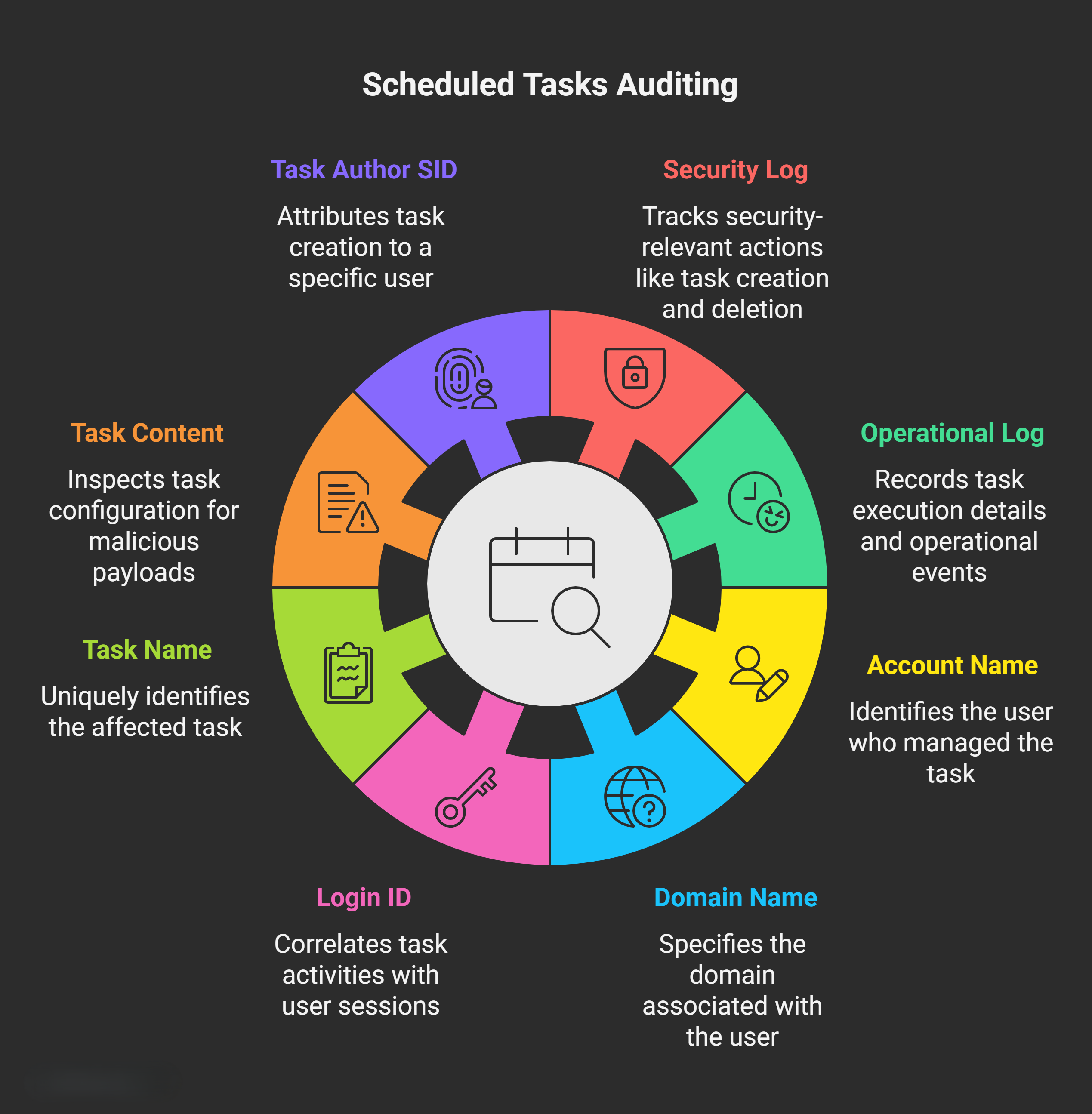
- Account Name (or SubjectUserName): The username of the account that created, modified, or managed the task.
- Domain Name (or SubjectDomainName): The domain associated with the account performing the action.
- Login ID (or SubjectLogonId): The session ID of the user, allowing correlation with other session activities.
- Task Name (or TaskName): The unique name of the scheduled task, often with its full path in the Task Scheduler library (e.g., “\MyBackupTask”). This identifies exactly which task was affected.
Additional Fields for Deeper Analysis:
- Task Content (or NewTaskContent): XML representation of the task’s configuration, including triggers, actions (e.g., executable to run), and arguments. Useful for inspecting malicious payloads.
- Task Author SID (or AuthorSID): Security Identifier of the creator, for attribution.
Tips for Analysis: Monitor for suspicious tasks like those running unsigned executables or with high privileges. Persistence techniques often involve creating tasks under SYSTEM or hidden names. Cross-reference with Process Creation events to see what the task executes.
3. Process Creation Events
Process Creation events monitor the lifecycle of processes, from starting (creation) to ending (termination). This is vital for tracking application launches, parent-child relationships (e.g., detecting code injection), and privilege levels. Enable “Audit Process Creation” and “Audit Process Termination” policies under Advanced Audit Policies. These events help identify malware execution, unauthorized binaries, or escalation via parent processes. Key Event IDs:
- 4688: A new process has been created (includes creation details).
- 4689: A process has exited (termination details).
Important Fields
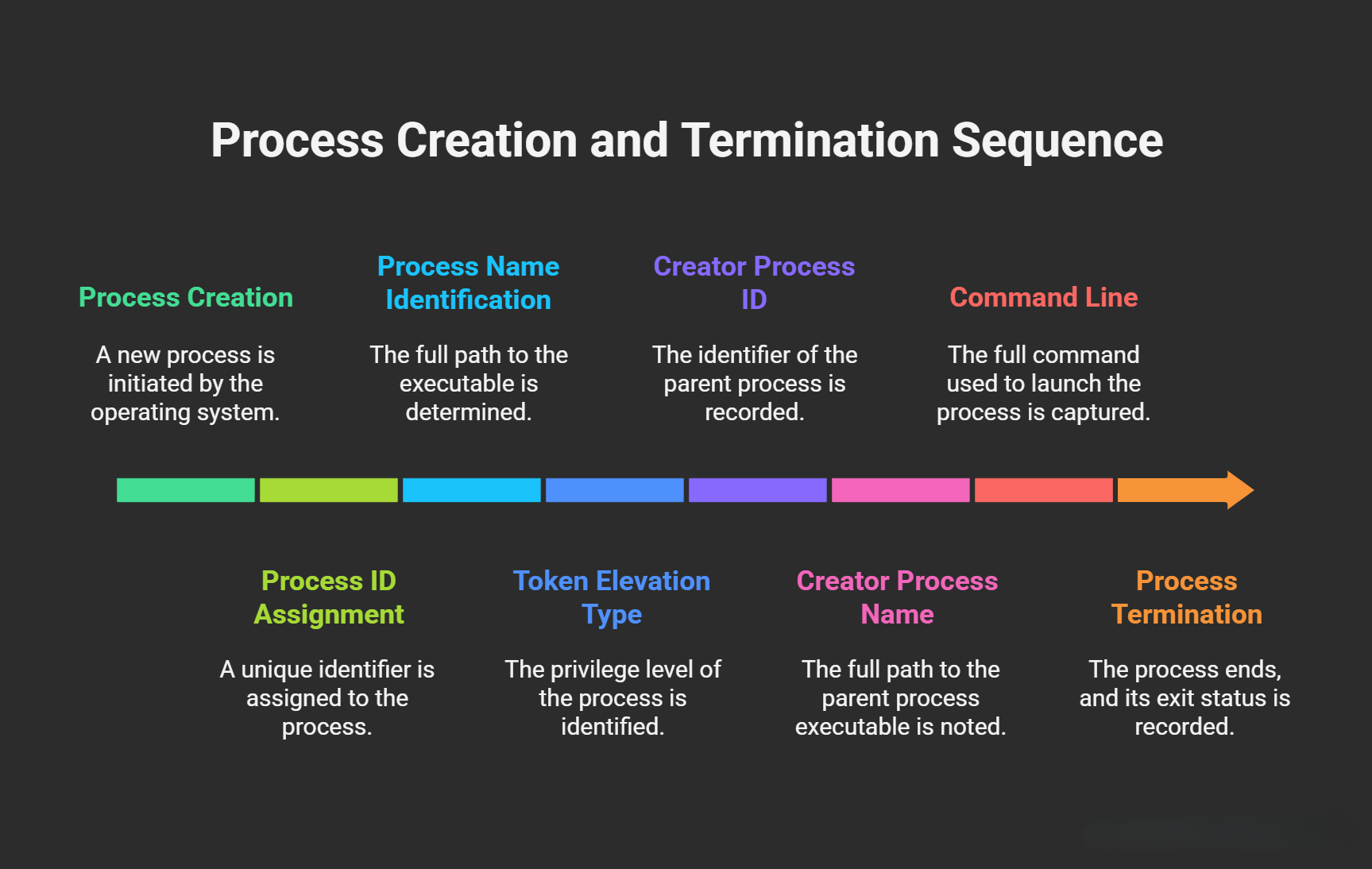
- Process ID (or NewProcessId): A unique identifier (PID) assigned to the process by the operating system. it’s the standard Windows PID. it’s unique during the process’s lifetime and can be used to track all activities (e.g., child processes, object accesses) tied to it until termination. Correlate with other events using this PID.
- Process Name (or NewProcessName): The full path to the executable, ending with the process filename (e.g., “C:\Windows\System32\notepad.exe”). This distinguishes between legitimate and suspicious binaries (e.g., renamed malware).
- Token Elevation Type: Indicates the privilege level of the token assigned to the process under User Account Control (UAC). This field appears as integer values (1-3) or string codes (%%1936, etc.) in logs. It reveals if the process runs with elevated (admin) rights, which is key for detecting privilege abuse.
| Token Elevation Type | Value (Integer/String) | Description |
|---|---|---|
| TokenElevationTypeDefault | 1 (%%1936) | Full token with no filtering. Typically used for services, built-in administrator accounts (e.g., SYSTEM), or when UAC is disabled. High privileges—no restrictions. |
| TokenElevationTypeFull | 2 (%%1937) | Full token with admin group enabled and filtering disabled. Occurs when a user explicitly selects "Run as administrator." Indicates intentional elevation. |
| TokenElevationTypeLimited | 3 (%%1938) | Limited token with admin group disabled and filtering enabled. Standard for normal user processes without elevation. Lowest privileges by default. |
- Creator Process ID: The PID of the parent process that spawned this one. This establishes the process hierarchy (e.g., explorer.exe creating notepad.exe).
- Creator Process Name: The full path to the parent process executable. Helps trace execution chains (e.g., a script launching a binary).
- Command Line: The full command used to launch the process, including arguments (e.g., “notepad.exe C:\secret.txt”). Critical for spotting injected parameters or obfuscated commands.
Additional Fields for Deeper Analysis:
- Exit Status (in 4689): The reason or code for process termination (e.g., 0 for success).
- Mandatory Label: Integrity level of the process (e.g., Low, Medium, High) for detecting sandbox escapes.
Tips for Analysis: Use Creator Process ID to build process trees (e.g., via tools like Sysmon or PowerShell). Watch for unusual Token Elevation (e.g., %%1937 on non-admin tasks) or command lines with encoded payloads. Event 4688 requires “Audit Process Creation” to be enabled for full details.