Investigating Suspicious Outbound Traffic(Proxy Logs)
When investigating a suspicious domain or IP address to determine if it’s malicious—particularly in the context of a potential C2 server—proxy logs are a primary source of evidence. C2 servers are used by attackers to remotely control compromised systems, often involving periodic outbound traffic from infected devices to receive commands, exfiltrate data, or maintain persistence.
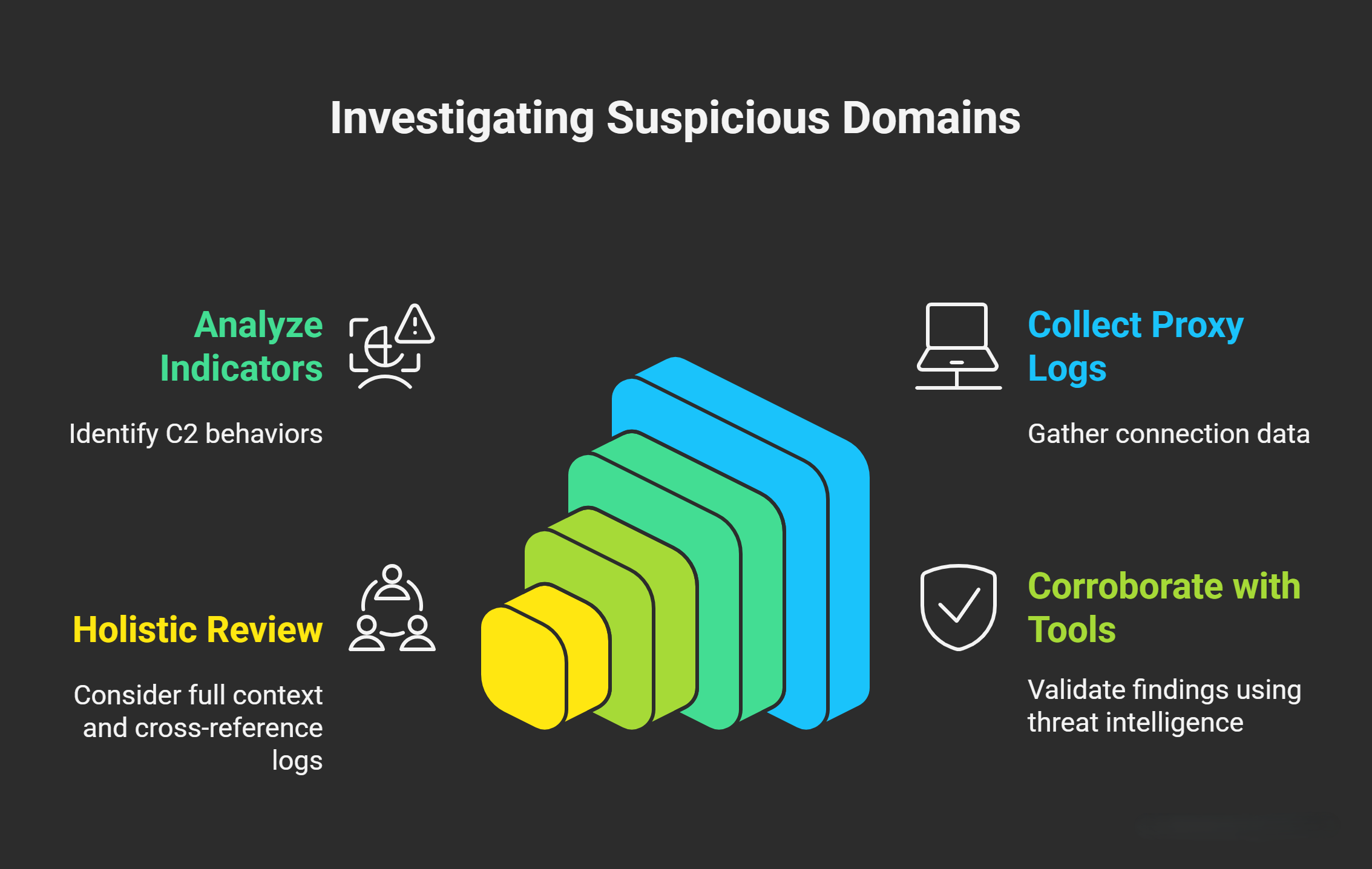
The investigation process typically involves:
- Collecting Data: Review proxy logs for connections involving the suspicious domain/IP.
- Analyzing Indicators: Look for anomalies that align with C2 behaviors, such as beaconing or evasion techniques.
- Corroborating with Tools: Use threat intelligence platforms (e.g., VirusTotal, IBM X-Force) to validate findings.
- Holistic Review: Consider the full context, including network baselines (e.g., normal user behavior) and cross-referencing with other logs (e.g., firewall, endpoint).
Below, I break down the most useful information from proxy logs, grouped by category. Each section includes explanations, why it’s relevant to C2 detection.
Timeline and Beaconing Patterns
Examine the sequence and frequency of connections to the suspicious domain/IP. Beaconing refers to the periodic, often regular-interval communication between an infected device and a C2 server. This allows attackers to check for commands, send status updates, or exfiltrate data without drawing attention. Beaconing is a hallmark of malware like Trojans or botnets (e.g., Emotet or Cobalt Strike).
Why Suspicious?
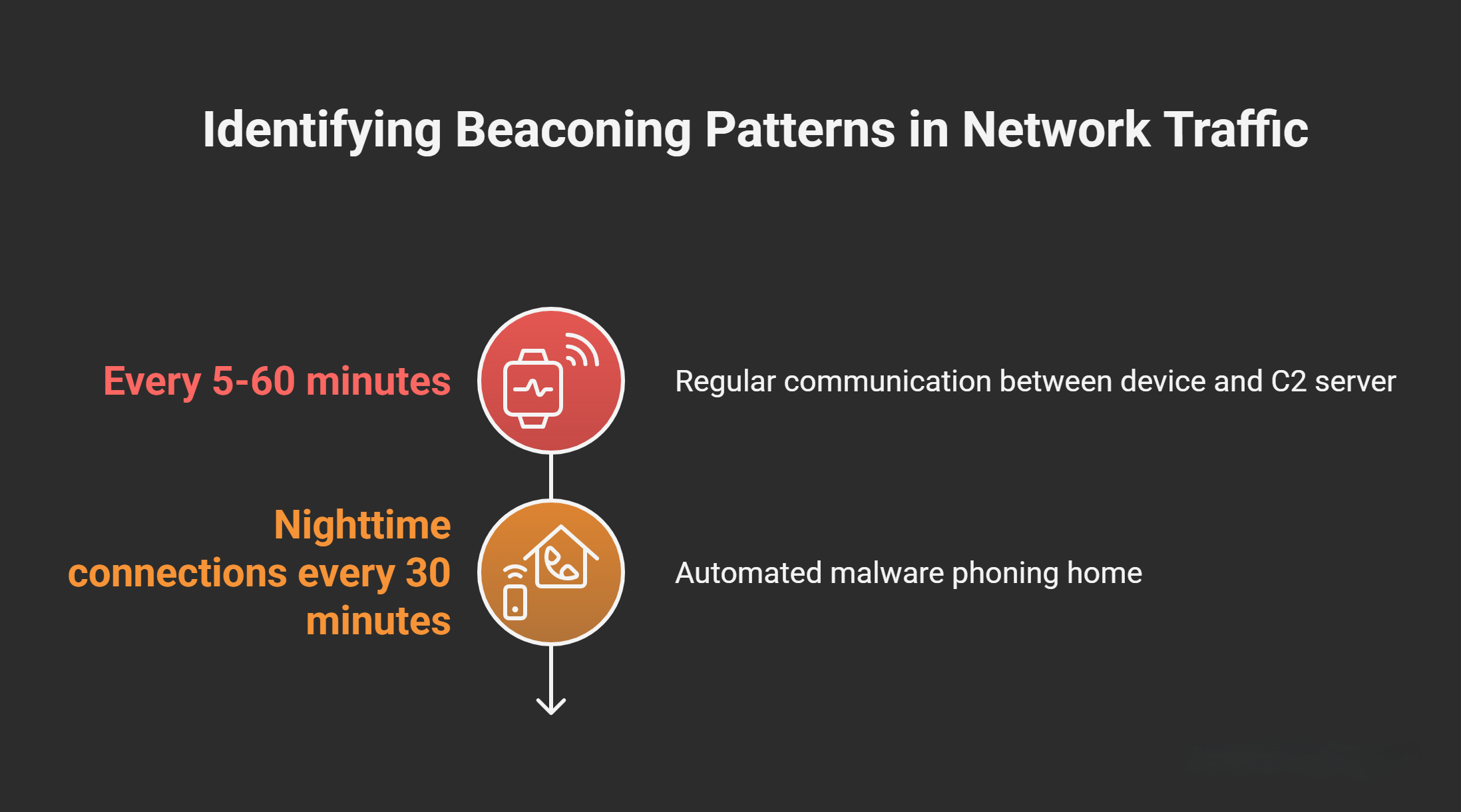
Legitimate traffic (e.g., web browsing) is typically bursty and irregular, while beaconing shows consistent intervals (e.g., every 5-60 minutes). In C2 scenarios, this outbound “heartbeat” persists even when no commands are received.
How to Analyze
- Plot timestamps in a timeline tool (e.g., using SIEM like Splunk or ELK Stack) to identify patterns like fixed intervals or bursts during off-hours.
- Example: If a device connects every 30 minutes at night, it could indicate automated malware phoning home.
Beaconing can be detected via statistical analysis (e.g., entropy of intervals). Tools like Zeek (formerly Bro) or Suricata can automate this in network logs. If no pattern exists but traffic is sporadic and low-volume, it might still be probing for C2 availability.
Time of Activity
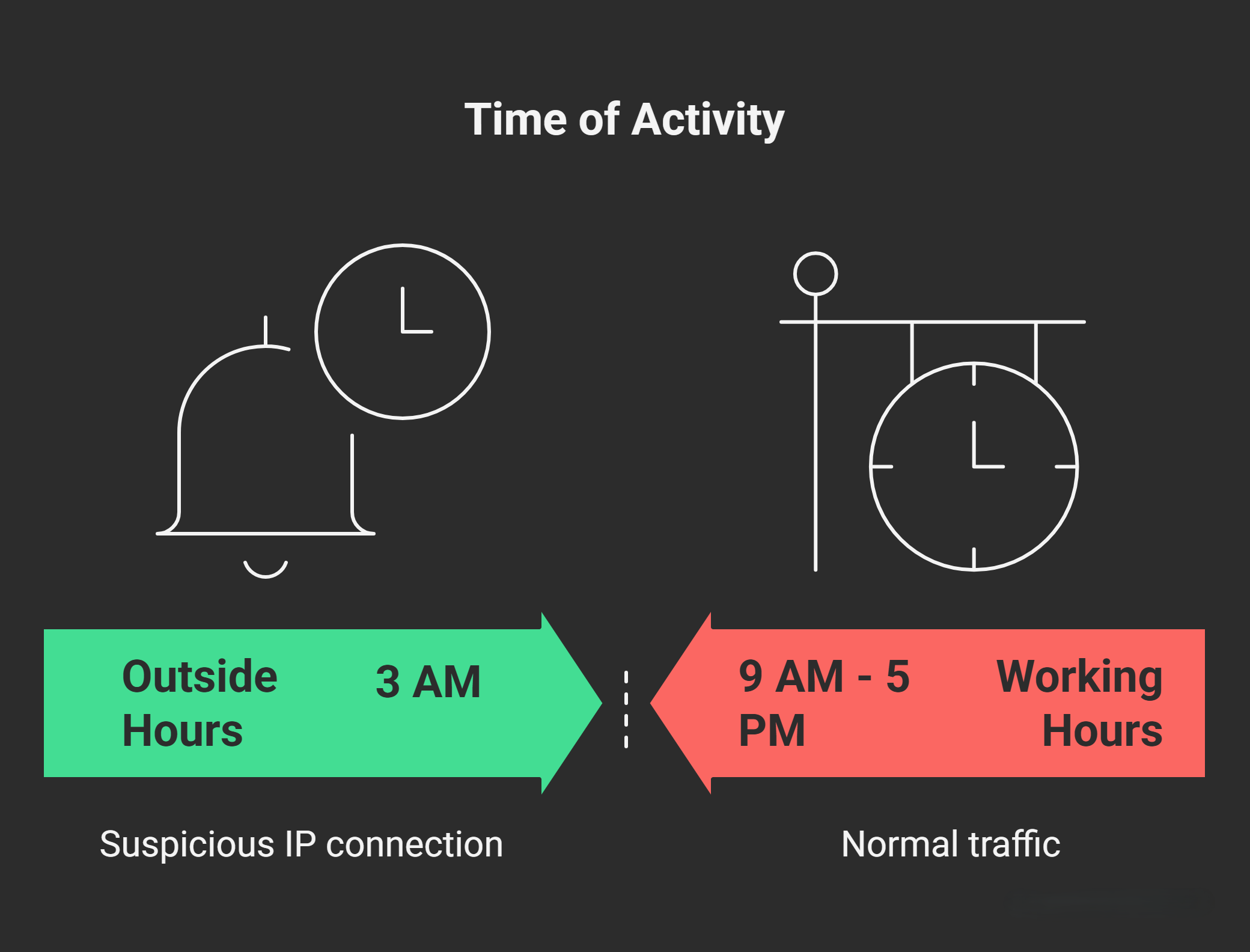
Note the timestamps of connections relative to business hours (e.g., 9 AM - 5 PM local time).
Why Suspicious?
Attackers often schedule C2 communications during working hours to blend with normal traffic. However, activity outside these hours (e.g., weekends or late nights) raises red flags, as it suggests automated malware rather than human-initiated browsing. Conversely, excessive activity during peak hours could indicate blending attempts.
How to Analyze
- Compare against user baselines: If a machine is typically idle after hours but suddenly active, investigate.
- Example: A server connecting to a suspicious IP at 3 AM on a holiday is highly anomalous.
Factor in global time zones if the organization is distributed. Use log aggregation to correlate with user login times—unauthorized access outside shifts could tie into C2.
Category Classification
Proxy servers (e.g., Blue Coat or Zscaler) categorize traffic based on URL reputation databases.
Why Suspicious?
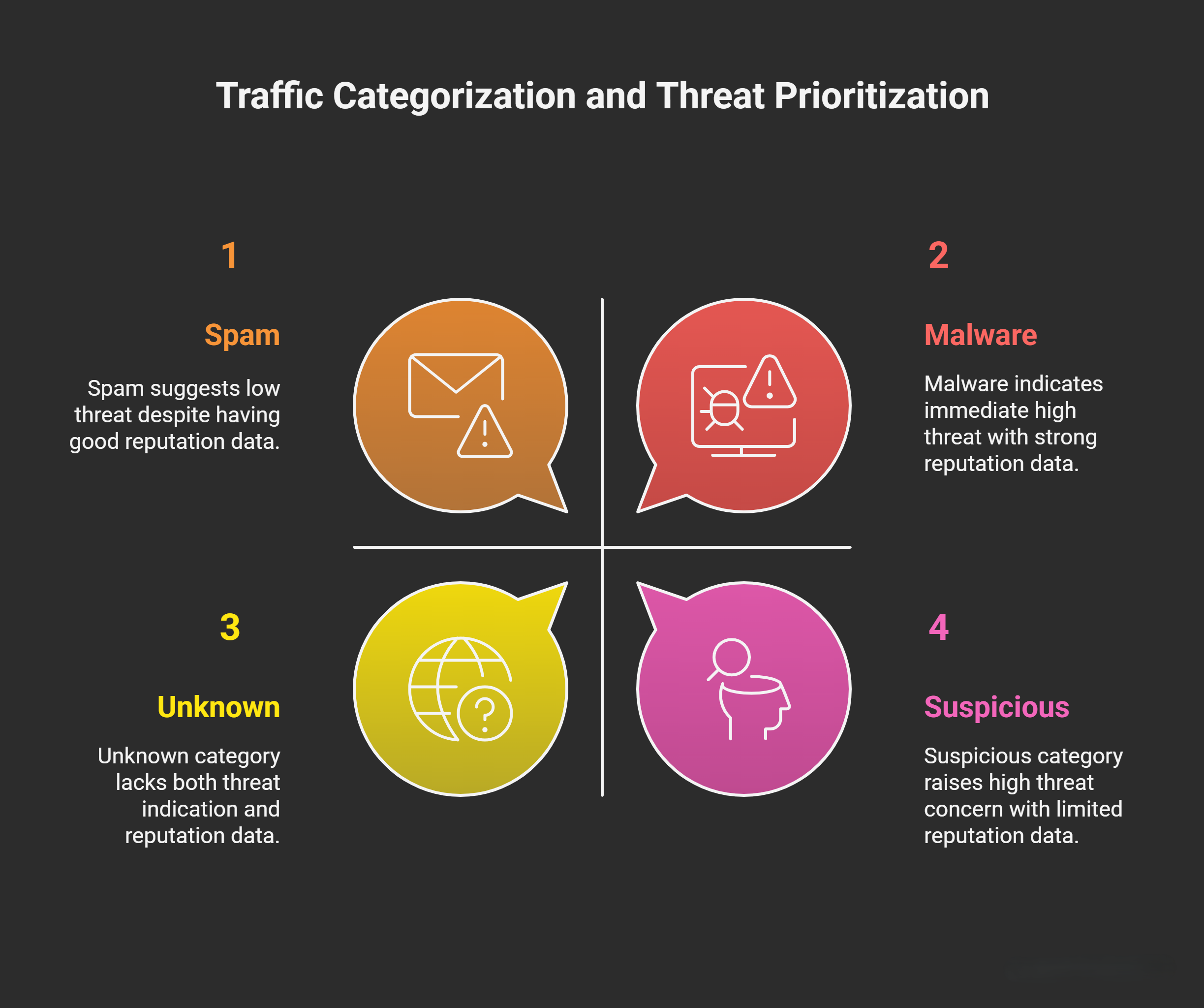
Categories like “Malicious,” “Suspicious,” “Spam,” or “Pornography” (often used for phishing lures) directly indicate potential threats. An “Unknown” category means the proxy lacks reputation data, which is common for newly registered or obfuscated malicious domains used in C2.
How to Analyze
- Prioritize logs flagged as these categories for the suspicious domain/IP.
- Example: Traffic to a domain categorized as “Malware” is an immediate alert; “Unknown” warrants deeper threat intel checks.
Repositories like URLhaus or PhishTank can provide secondary categorization. If the proxy uses Web Filtering, enable URL categorization rules to automate flagging. Note that benign sites can sometimes be miscategorized, so cross-verify.
User Agent String
The User Agent identifies the client software making the request (e.g., browser, script, or tool).
Why Suspicious?
Legitimate browsing uses standard browsers (e.g., Chrome: “Mozilla/5.0 (Windows NT 10.0; Win64; x64) AppleWebKit/537.36”). Scripts like PowerShell, Python (e.g., “python-requests/2.25.1”), or curl often indicate automated tools. Attackers mimic browsers to evade detection, but inconsistencies (e.g., a machine that normally uses Chrome switching to Firefox) or missing User Agents suggest evasion or non-browser activity. No User Agent at all is a red flag for raw socket connections in C2.
How to Analyze
- Compare against the device’s historical User Agents from proxy logs.
- Example: If logs show “PowerShell/5.1” for a domain query, it could be Empire framework (a common C2 tool). Sudden changes (e.g., from Chrome to an obscure agent) might indicate compromise.
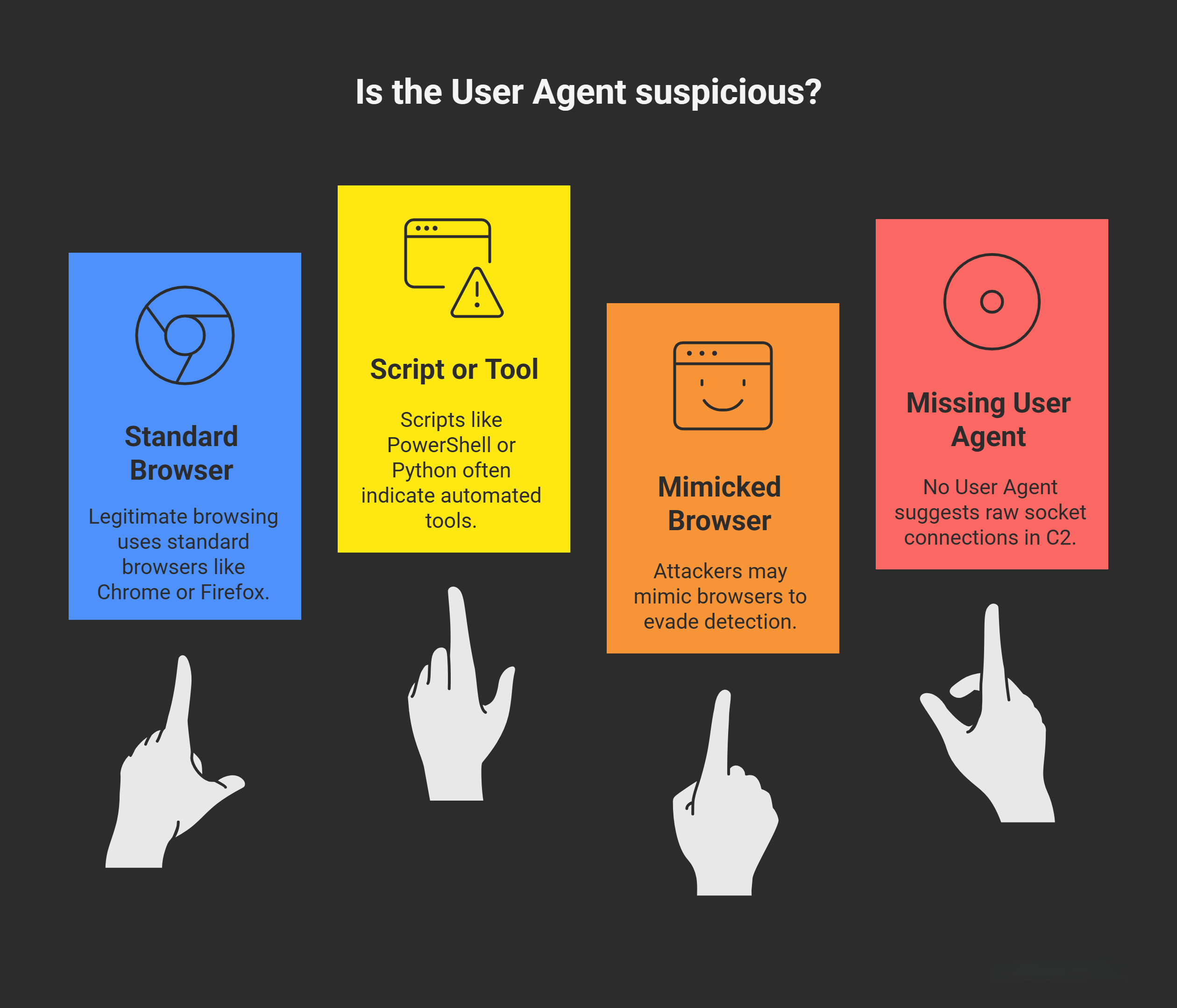
User Agents can be spoofed easily, so treat them as one data point. Tools like Wireshark can inspect raw packets for discrepancies. Common malicious agents include those from Metasploit or custom scripts—search threat intel for matches.
Source and Destination IPs
Source IP is the originating device; Destination IP is the remote endpoint.
Why Suspicious?
If the source appears as the proxy IP, trace the actual internal source (e.g., via NAT logs). For destination, unknown or residential IPs (e.g., via dynamic providers) are common in C2. Direct IP connections (bypassing DNS) evade domain-based blocks.
How to Analyze
- Use threat intel: Upload the destination IP to VirusTotal (VT) or IBM X-Force for reputation scores, associated malware, or WHOIS data.
- Example: A destination IP linked to known botnet infrastructure (e.g., via VT’s “Relations” tab) confirms malice.
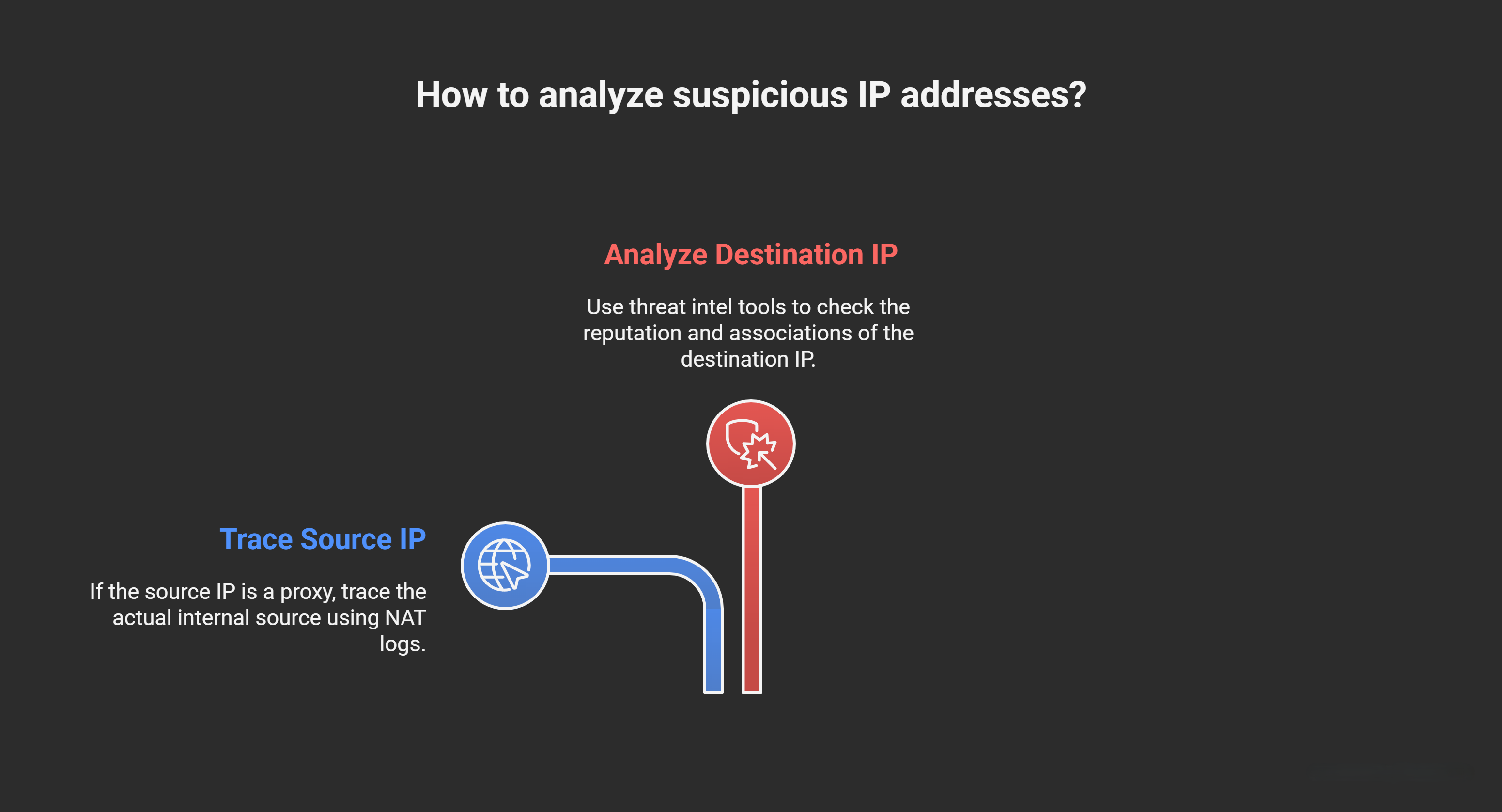
Geolocation (e.g., via MaxMind) can reveal if the IP is in a high-risk country. Check for IP blacklists like AbuseIPDB. If the source IP is internal but unauthorized (e.g., a dormant server), it points to lateral movement.
Source and Destination Bytes
Source bytes = data sent from client to server; Destination bytes = data received from server.
Why Suspicious?
In normal GET requests (e.g., fetching a webpage), destination bytes are larger (e.g., HTML/CSS). In C2 beaconing, source bytes often exceed destination (client sends “Are there commands?” and gets a small/empty response). High source bytes in POST could indicate data exfiltration. An initial request with source > destination (e.g., via xfilteration or beacon checks) is a strong C2 indicator.
How to Analyze
- Focus on the first interaction: Calculate ratios (e.g., source/destination > 1 suggests upload/beacon).
- Example: 1KB sent (query) vs. 100 bytes received (no command) is classic beaconing.
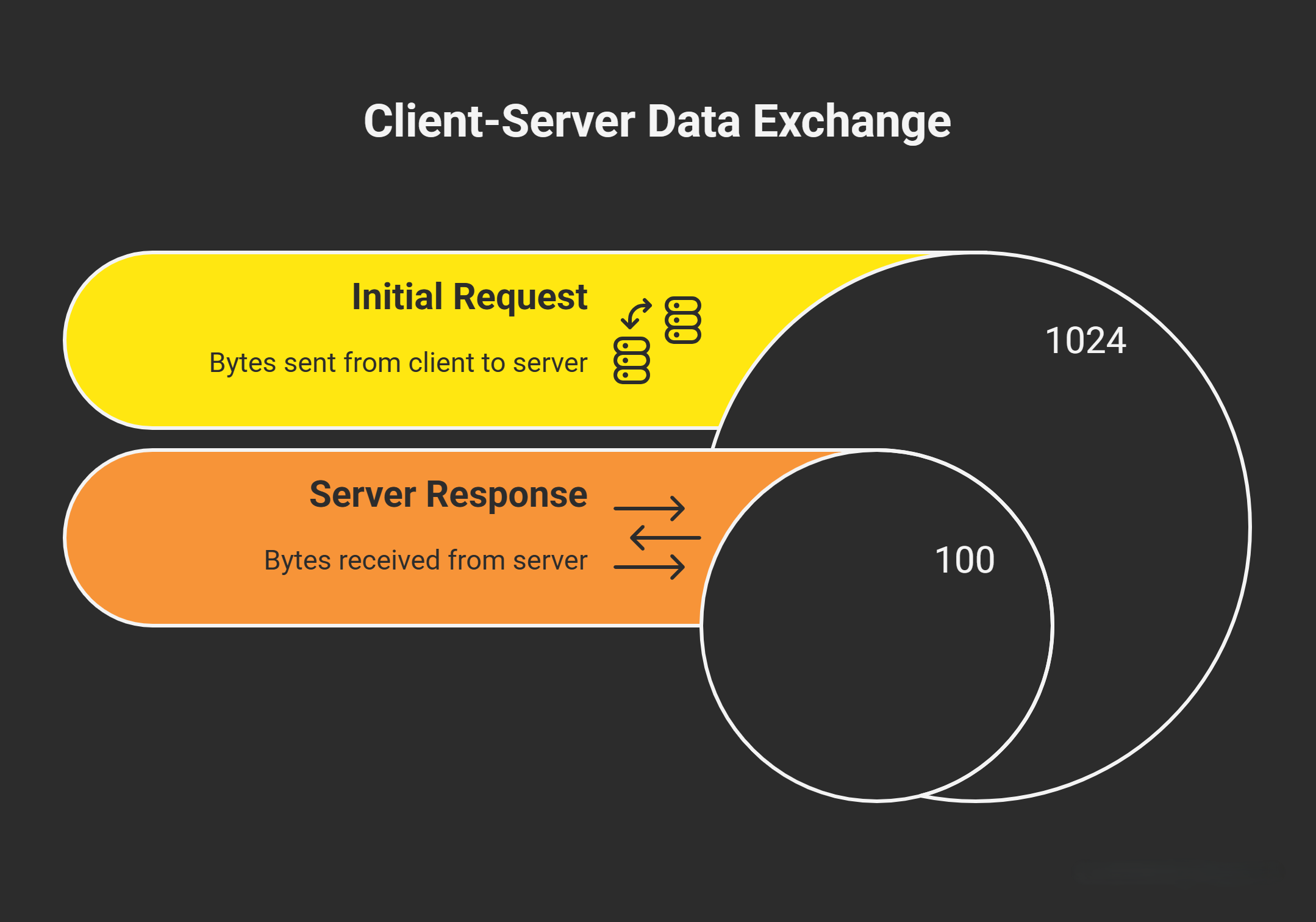
Use thresholds (e.g., >500 bytes sent with minimal response) in SIEM rules. Tools like Argus can visualize byte flows over time to spot anomalies.
Domain Analysis
Scrutinize the domain name, registration details, and associated techniques.
Why Suspicious?
Recent registration (e.g., 2-3 days old) suggests disposable C2 infrastructure. No threat intel hits increase suspicion. Domain Generation Algorithms (DGAs) create random, algorithmically generated domains (e.g., malware like Kraken generates 10,000+ daily) to evade blocks. FastFlux rapidly rotates IPs for a single domain (e.g., 100+ IPs in hours) to hide servers. Direct IP usage bypasses DNS logging. Dynamic DNS (DDNS) services (e.g., No-IP) allow quick IP changes for persistence, often with suspicious subdomains (e.g., random strings on legit parents like dyndns.org).
How to Analyze
- Query VT, Google (via “site:domain” or WHOIS tools like DomainTools), or PassiveTotal for registration date, resolver history, and DGA detection (e.g., via entropy checks—high randomness indicates DGA).
- Check for FastFlux: If multiple IPs resolve to the domain in logs, flag it.
- Example: A domain like “x7p9q2r.example.com” (random subdomain) on a DDNS provider is evasion tactics.
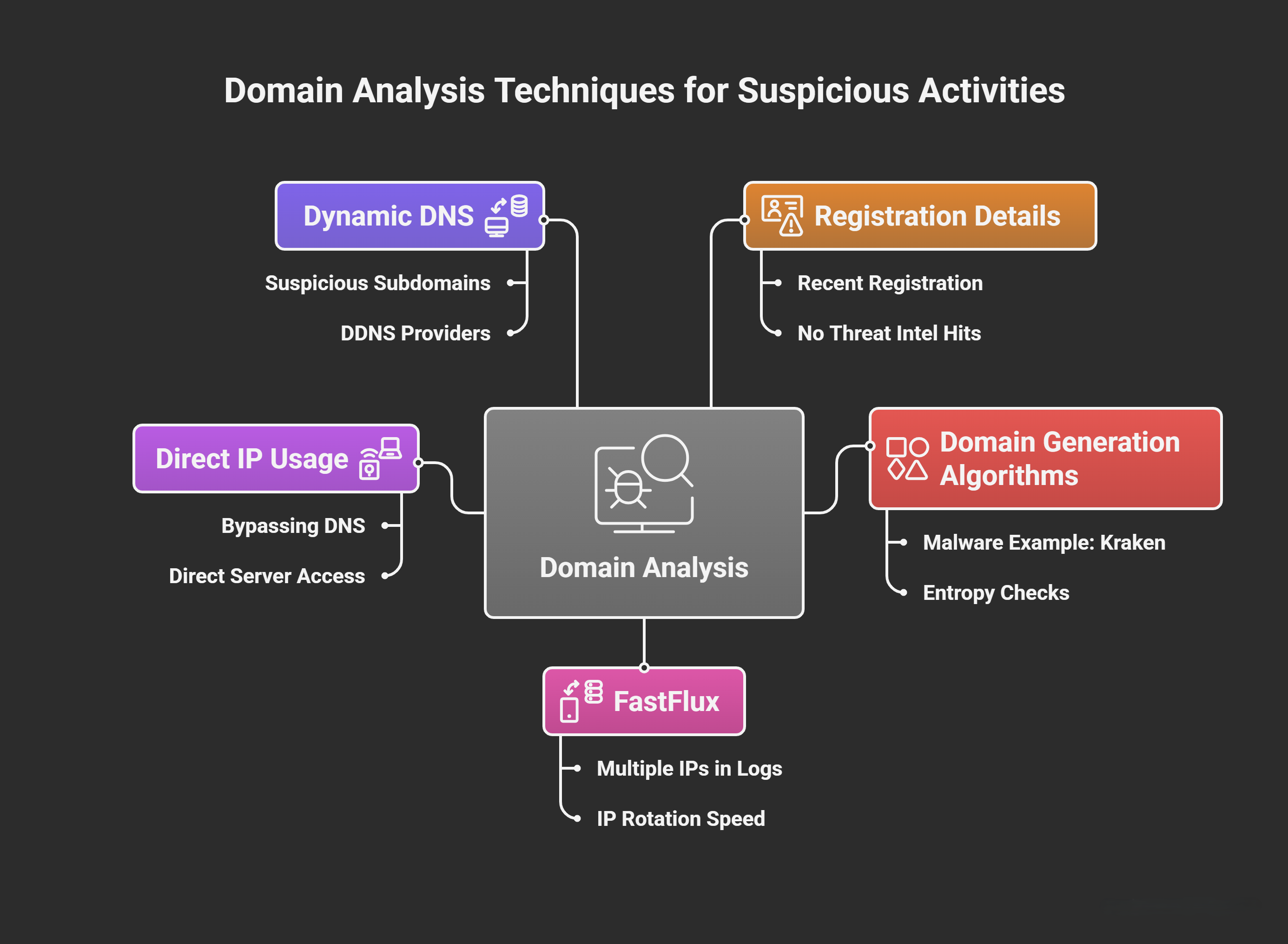
DGAs use math (e.g., based on date/time) to generate domains—tools like DGASearch can reverse-engineer. For DDNS, inspect subdomains for gibberish. If the domain resolves to an IP directly, it’s often a sign of urgency in attacks.
HTTP Methods
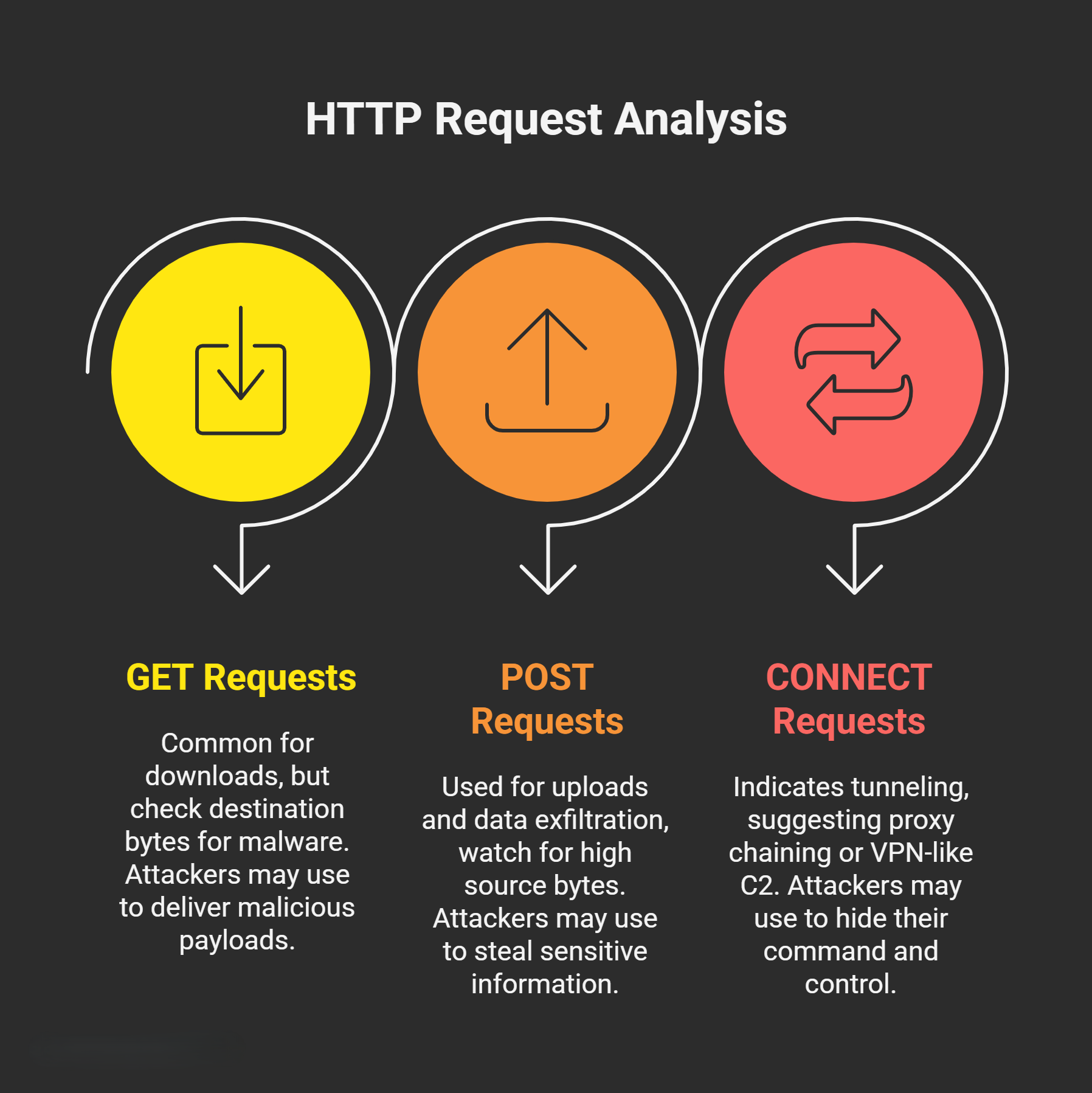
Methods like GET, POST, CONNECT indicate request type.
Why Suspicious?
GET is common for downloads (check destination bytes for malware payloads). POST for uploads/exfiltration (high source bytes). CONNECT (for tunneling) as the first method suggests proxy chaining or VPN-like C2. Attackers abuse these to mimic legit traffic.
How to Analyze
- Review the initial request sequence.
- Example: A GET with large destination bytes could be downloading a payload; POST with encrypted/high-volume source bytes indicates exfil.
HEAD or OPTIONS methods are rare in legit traffic but used in reconnaissance. Correlate with content types for context.
Destination Port
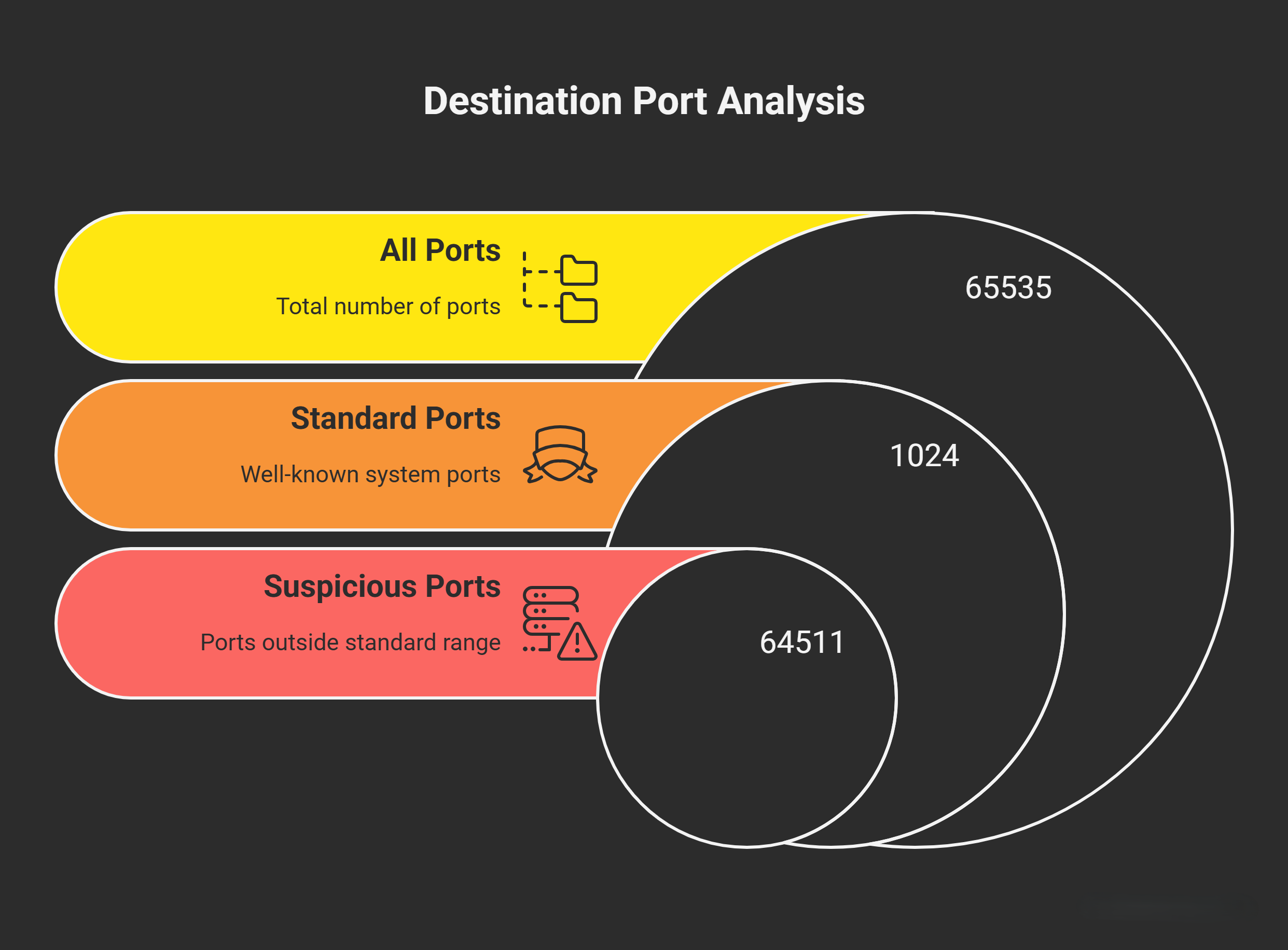
The port on the remote server (e.g., 80 for HTTP, 443 for HTTPS).
Why Suspicious?
Non-standard ports (e.g., 8080) were historically used to evade firewalls but are now less common. Attackers prefer 80/443 to blend with web traffic, making port alone insufficient—combine with other indicators.
How to Analyze
- Baseline normal ports; flag outliers unless justified (e.g., custom apps).
- Example: Traffic to port 4444 (common Metasploit default) is suspicious even on 443 camouflage.
Nmap or Masscan can scan for open ports if you control the network, but focus on logs for outbound.
Referrer Header
Indicates how the request was initiated (e.g., from a webpage, email, bookmark, or direct URL).
Why Suspicious?
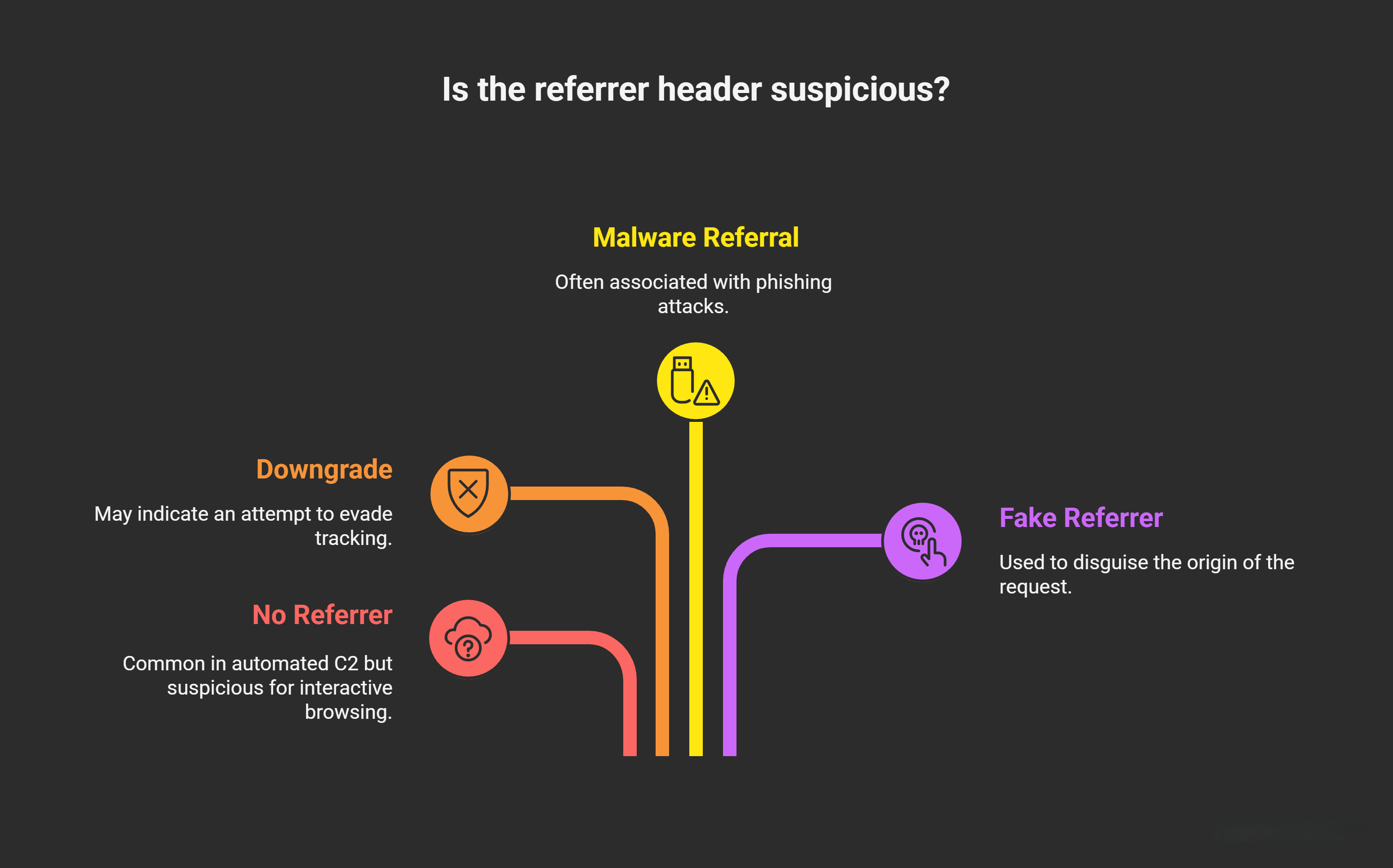
No referrer (direct access, bookmark, file, or email) is common in automated C2 but suspicious for interactive browsing. Downgrades (HTTPS to HTTP), malware referrals, or crafted fakes (e.g., fake Google referrer) evade tracking. From mail/files often means phishing.
How to Analyze
- Search proxy logs for the claimed referrer URL— if it wasn’t accessed, it’s fabricated.
- Example: No referrer + suspicious domain = possible drive-by download. Crafted “google.com” without prior Google traffic = evasion.
Referrers can be stripped by attackers. Use browser dev tools simulations to test legitimacy.
Content Type
MIME types (e.g., application/octet-stream for binaries, text/html for pages).
Why Suspicious?
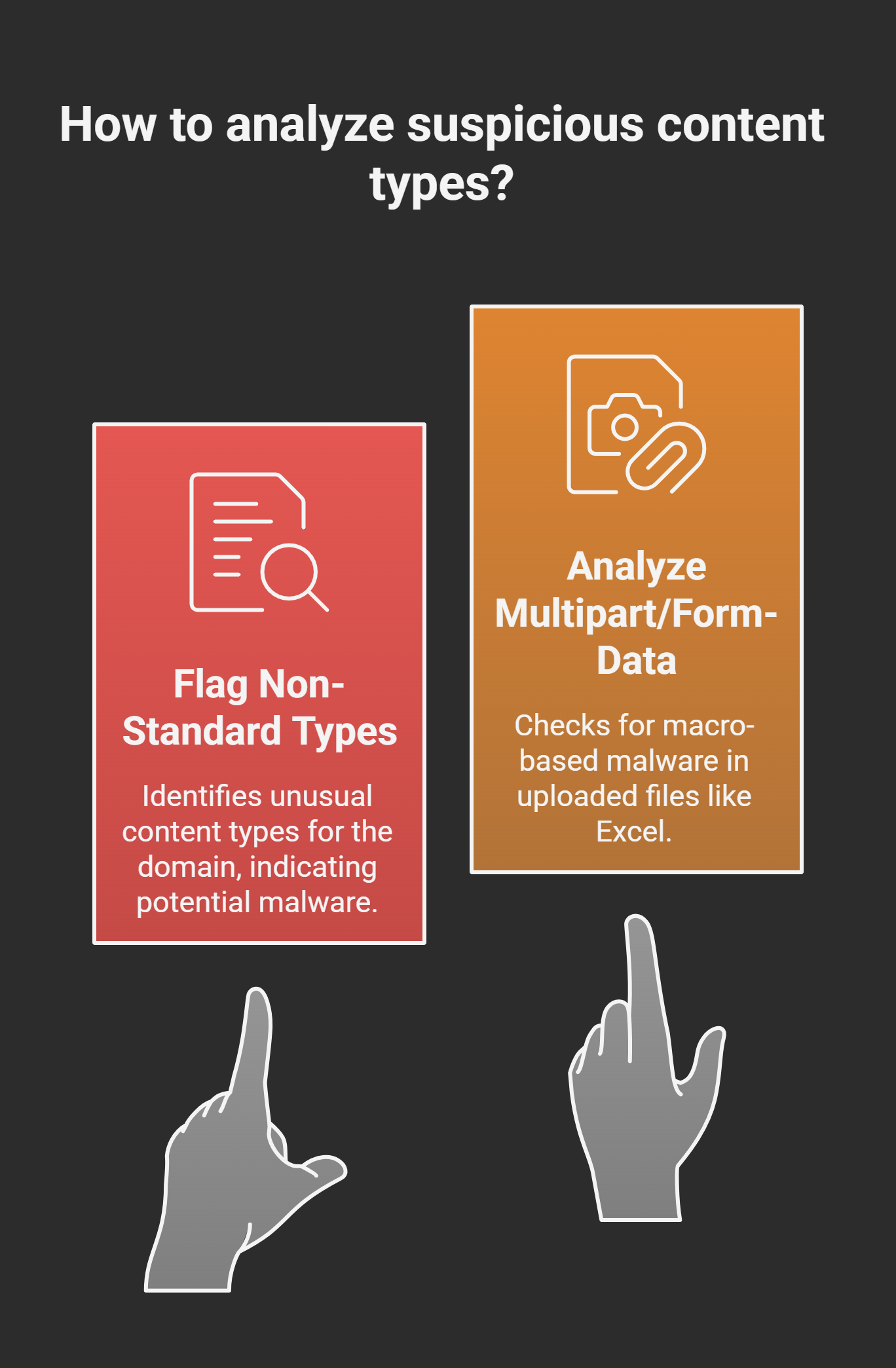
Unusual types like uploading executables (.exe via POST) or downloading archives indicate malware staging/exfil. Policy violations (e.g., uploading sensitive files) tie into C2 data theft.
How to Analyze
- Flag non-standard types for the domain (e.g., application/zip on a “web” site).
- Example: POST with multipart/form-data containing Excel (.xlsx) could be macro-based malware upload.
Proxies often log this; integrate DLP (Data Loss Prevention) for automated alerts on sensitive content.
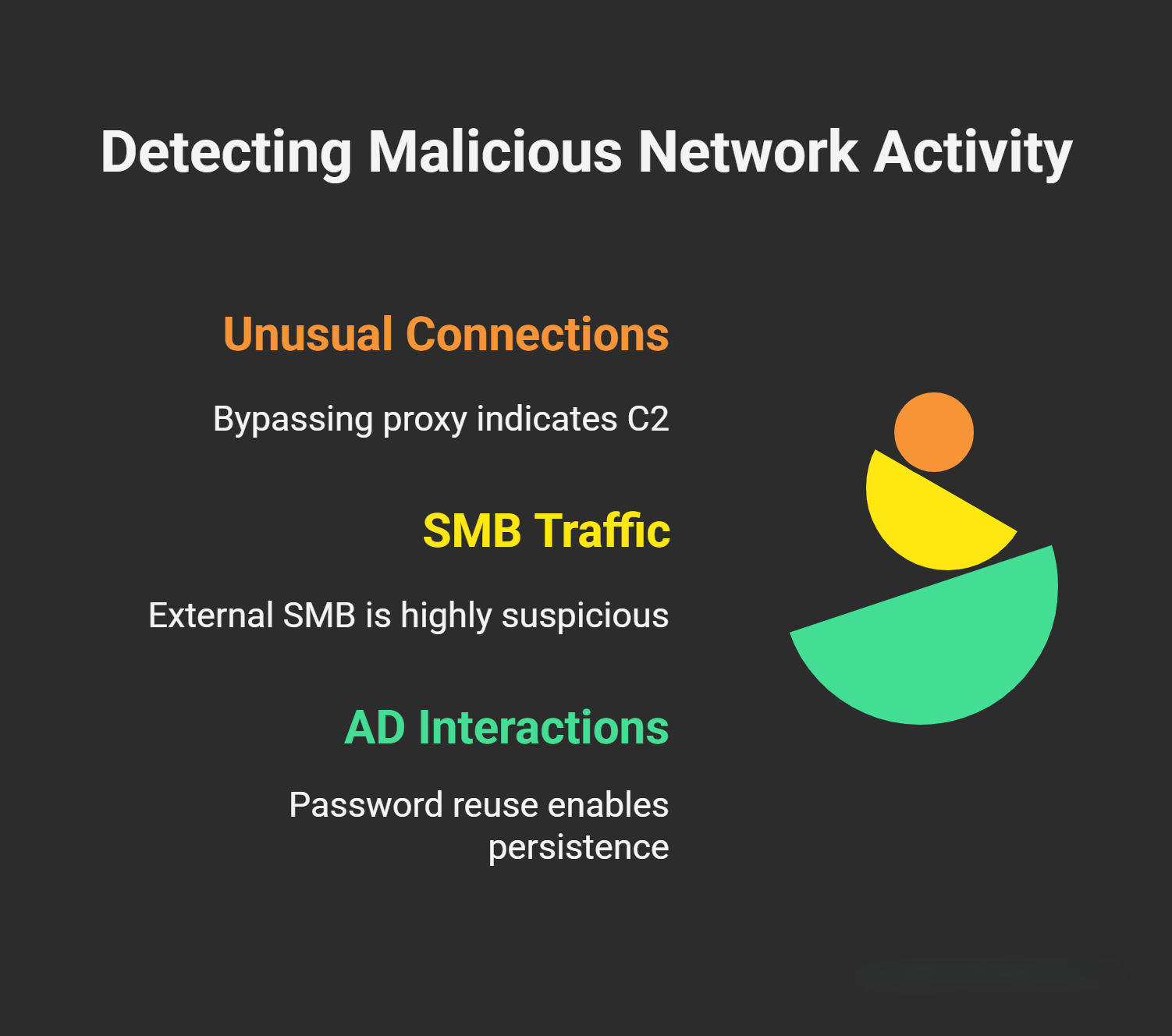
Other Indicators: Unusual Connections, SMB Traffic, and Active Directory
Unusual Connections
Look for outbound traffic bypassing the proxy (e.g., direct to external IPs via firewall logs). This could indicate custom C2 channels or misconfigurations.
SMB Traffi
Server Message Block (SMB) on ports 445/139 for file shares. Suspicious if internal machines connect to external SMB (rare) or unusual internal shares—attackers use SMB for lateral movement post-C2.
Why Suspicious?
External SMB could be exfil; check for weak auth (e.g., NTLM relay attacks).
Tools like BloodHound map AD for anomalous SMB paths.
Active Directory (AD) Interactions
Attackers guess/reuse passwords across accounts for persistence. Look for failed/successful logins from suspicious sources or unusual Kerberos/SMB to AD controllers.
Why Suspicious?
Multiple failed logins followed by success suggest brute-force tied to C2.
Enable AD auditing; use tools like Mimikatz detection rules. Common in APTs like ransomware.
Red Flags Summary Table:
| Indicator | Suspicious Pattern Example | Why It Points to C2 |
|---|---|---|
| Timeline | Regular intervals (e.g., every 30 min) | Beaconing for commands |
| Time | Off-hours activity | Automated, non-human |
| Category | Unknown/Malicious | Obfuscated threats |
| User Agent | Script (e.g., Python) or sudden change | Automated tools or spoofing |
| Bytes | Source > Destination in first request | Querying without response |
| Domain | Recent reg/DGA/FastFlux/DDNS subdomains | Evasion infrastructure |
| Method | POST with high source bytes | Exfiltration |
| Port | Non-80/443 or unusual | Stealthy channels |
| Referrer | None or crafted (unverified) | Direct/automated access |
| Content Type | Binary uploads/downloads | Malware handling |
| Other | Proxy bypass/SMB to external/AD anomalies | Lateral movement/persistence |