IP and Port Scanning
IP and port scanning are fundamental reconnaissance techniques used by attackers (or ethical hackers) to map out a network and identify potential vulnerabilities. When an attacker gains unauthorized access to a machine (e.g., via phishing, weak credentials, or an exploit), they often start by discovering other devices in the same network subnet. A subnet is a logical subdivision of an IP network, allowing devices to communicate efficiently within a local segment (e.g., 192.168.1.0/24). This could reveal high-value targets like CEO workstations or admin servers, which might have sensitive data or elevated privileges.
The process typically begins with IP scanning to identify live hosts (active machines) in the subnet. Once hosts are found, the attacker moves to port scanning to detect open ports, which are essentially “doors” on a machine where services (like web servers or file sharing) listen for connections. Services run on specific ports (e.g., HTTP on port 80, SMB on port 445), so port scanning is often synonymous with service scanning or vulnerability reconnaissance. If an attacker identifies a service version with a known vulnerability (e.g., an outdated SMB version vulnerable to EternalBlue), they can exploit it to gain further access.
Scanning can be detected by security tools like Intrusion Prevention Systems (IPS), firewalls, or Intrusion Detection Systems (IDS). Detection often involves monitoring for anomalous traffic patterns, such as a single source IP sending probes to many destinations. Below, I’ll break this down into IP scanning techniques, port scanning techniques, detection methods, and practical tips.
1. IP Scanning Techniques
IP scanning helps attackers enumerate active hosts without directly interacting with every possible IP address. These methods are efficient for subnets but can generate detectable traffic.
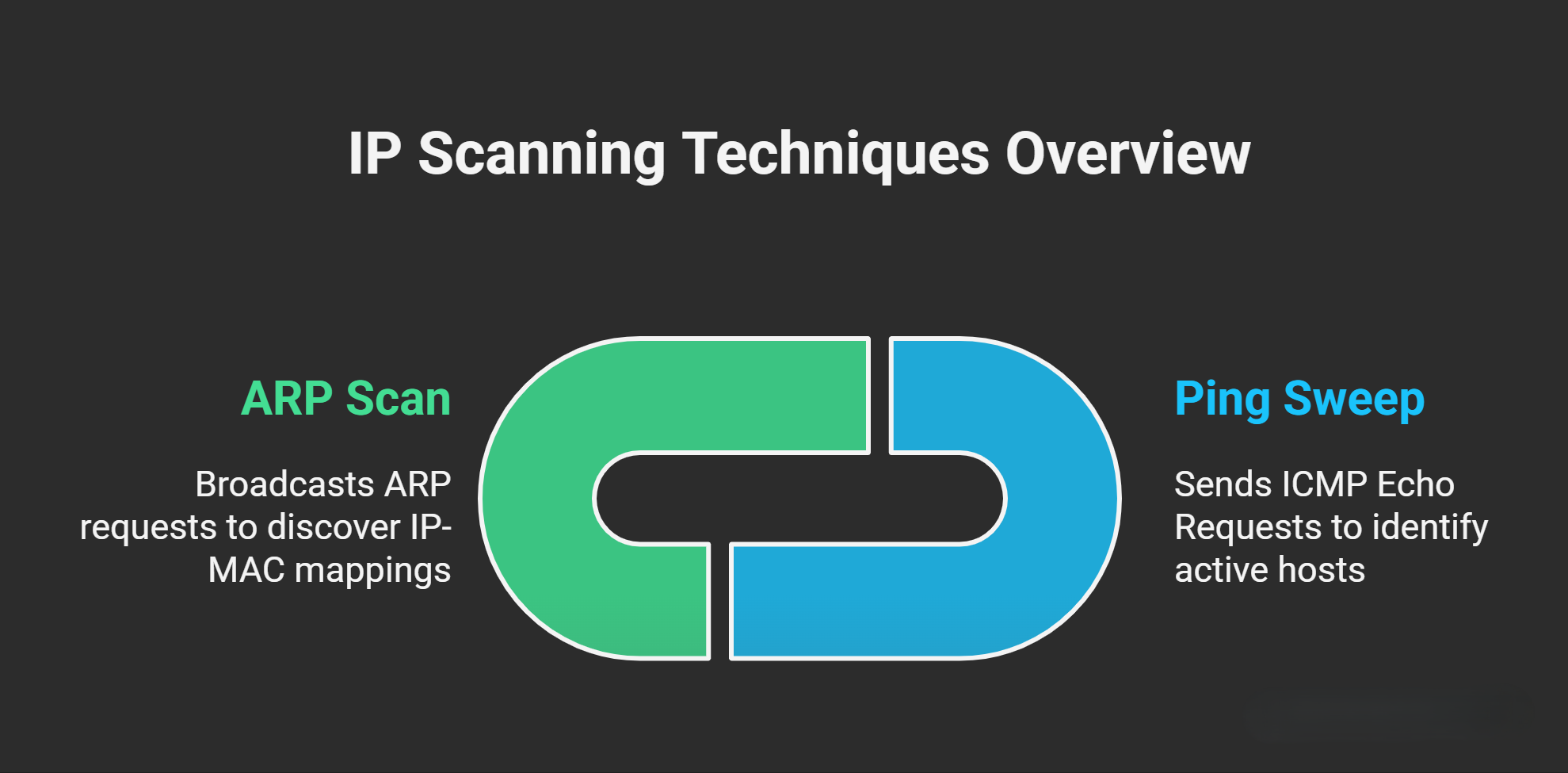
- Ping Sweep (ICMP Echo Scan):
- How it works: The attacker sends ICMP Echo Request (ping) packets to every IP address in the target subnet (e.g., pinging 192.168.1.1 through 192.168.1.254). Live hosts respond with an ICMP Echo Reply, confirming they are active and reachable. This is useful for quickly mapping the network and identifying potential targets like servers.
- Use case: Ideal for scanning large subnets or focusing on server ranges (e.g., to find database or web servers).
- Limitations: Firewalls or hosts with ICMP blocked (common security practice) won’t respond, leading to false negatives. It’s also noisy and easy to detect.
- Additional clarification: Ping sweeps are often automated using tools like
fpingor Nmap’ssnoption. In IPv6 environments, ICMPv6 is used instead.
- ARP Scan (Address Resolution Protocol Scan):
- How it works: The attacker broadcasts ARP requests to all devices in the local network, asking “Who has this IP? Tell me your MAC address.” Active hosts reply with their IP-MAC mapping. This reveals not just live hosts but also their hardware addresses.
- Use case: Best for discovering devices in a local area network (LAN), such as in an office or data center.
- Limitations: ARP is a Layer 2 protocol that doesn’t route across networks (it’s confined to the same broadcast domain), so it only works in LANs or VLANs. It won’t work over the internet or routed subnets.
- Additional clarification: ARP scans are stealthier than ping sweeps in LANs because they mimic normal network discovery. Tools like
arp-scanor Nmap’sPRoption perform this. In switched networks, it might require techniques like ARP spoofing to broaden visibility.
After IP scanning, the attacker has a list of live hosts and proceeds to port scanning on those targets.
2. Port Scanning Techniques
Port scanning probes individual ports (1-65535) on a host to determine if they are open, closed, filtered (blocked by a firewall), or unavailable. Open ports indicate running services, which can be fingerprinted for vulnerabilities. TCP ports are connection-oriented (using the three-way handshake), while UDP ports are connectionless.
| Scan Type | How It Works | Target Ports/Services | Stealth Level | Detection Notes |
|---|---|---|---|---|
| Vanilla Scan (AKA Full Connect Scan (TCP Connect Scan)) | Completes the full TCP three-way handshake: Attacker sends SYN → Target replies SYN-ACK (if open) → Attacker sends ACK to establish connection → Connection is then closed. This confirms the port is open and the service is responsive. | TCP ports (e.g., any service like HTTP on 80). | Low (noisy, as it fully connects). | Easy to detect in firewall/IPS logs: Look for repeated full connections from the same source IP to multiple destination ports on a single host. Logs show SYN, SYN-ACK, ACK patterns. |
| SYN Scan (AKA Half-Open Scan (Stealth Scan)) | Sends SYN packet → If target replies SYN-ACK (port open), attacker sends RST (reset) to abort without completing the handshake. No full connection is made, making it faster and less logged. If no SYN-ACK, the port is closed/filtered. | Primarily TCP ports. | Medium (doesn't complete connections, so less logging on some systems). | Detectable by IPS via SYN packets without ACKs. Firewall logs show SYN floods or half-open attempts from one source to many ports. |
| UDP Scan | Sends UDP packets to target ports → Responses vary: ICMP "port unreachable" means closed; no response often means open or filtered (UDP is stateless). Useful for services that don't use TCP. | UDP ports (e.g., DNS on 53, DHCP on 67/68, SNMP on 161). | Medium (slow due to timeouts; no handshakes). | Harder to detect than TCP scans, but logs may show UDP probes to common ports. Firewalls can block or alert on unsolicited UDP traffic. Additional clarification: UDP scans are unreliable because firewalls often drop packets silently, leading to many "open/filtered" results. Tools like Nmap use this with -sU. |
| FIN Scan | Sends a FIN (finish) packet first (abnormal, as FIN is normally sent to close connections) → If target replies RST, port is closed. If no reply, port is open or filtered (per TCP standards, open ports ignore unexpected FINs). | TCP ports. | High (evades some basic loggers, as it doesn't initiate a full handshake). | Detectable in advanced IPS via anomalous FIN packets. Logs show FIN without prior SYN. Additional clarification: This relies on RFC 793 TCP specs; it's stealthy against non-stateful firewalls but ineffective against stateful ones that track connections. |
- Additional Port Scanning Notes:
- Port scanning is service-oriented: For example, discovering SMB (Server Message Block) on port 445 allows the attacker to probe for versions vulnerable to exploits like WannaCry (MS17-010). Similarly, open SSH on port 22 might reveal weak authentication.
- Scans can be targeted (e.g., top 1000 ports via Nmap’s default) or comprehensive (all 65,536 ports, which is time-consuming).
- Other common types (for completeness): XMAS Scan (sends FIN, URG, PSH flags; similar to FIN but more complex) or NULL Scan (no flags set), both stealthy variations for TCP.
3. Detection and Mitigation
- General Detection:
- IPS/IDS Alerts: Tools like Snort or Suricata signature-match scan patterns (e.g., rapid SYN packets).
- Firewall Logs: Look for anomalies like one source IP pinging/scanning many destinations (e.g., in server ranges for ping sweeps) or probing multiple ports on one host.
- Network Traffic Analysis: High volume of ICMP (for pings), ARP broadcasts, or TCP/UDP probes from an internal IP (indicating compromised host).
- Host-Based Tools: Endpoint protection (e.g., Windows Defender) logs connection attempts.
- Mitigation Strategies:
- Block unnecessary ICMP/ARP responses at routers.
- Use stateful firewalls to drop unsolicited packets.
- Implement network segmentation (VLANs) to limit LAN scans.
- Regularly patch services and use tools like Nmap for your own vulnerability assessments.
- Monitor for internal threats, as scans often originate from compromised machines.
4. Practical Tips for Understanding and Defending Against Scans
- Think Like an Attacker: Always analyze the “why” behind scans. If targeting a DNS server (UDP port 53), expect UDP scans or cache poisoning attempts—focus defenses on DNS-specific vulnerabilities like amplification attacks. For admin machines, watch for SMB/ RDP (port 3389) probes.
- Context Matters: In a corporate network, scans might aim for privilege escalation (e.g., from user to admin). Predict based on the subnet: Server subnets get ping sweeps; LANs get ARP scans.
- Ethical Use: These techniques are legal for penetration testing with permission. Tools like Nmap are standard for both attackers and defenders.
- Evolving Threats: Modern scans may use evasion techniques like slow scans (to avoid rate-limiting) or fragmented packets. Stay updated via resources like OWASP or NIST guidelines.